 cameronsheferboswell
Thanks @goodboy.ninja for this sexy plugin! You can now get the project files for the character animation! Check out the link in bio!




 School of Motion on Skew Pro
Made with Good Boy Ninja's tools
Good Boy Ninja's Games

Haiku
Write a short Haiku, post it and get it rated by the community!
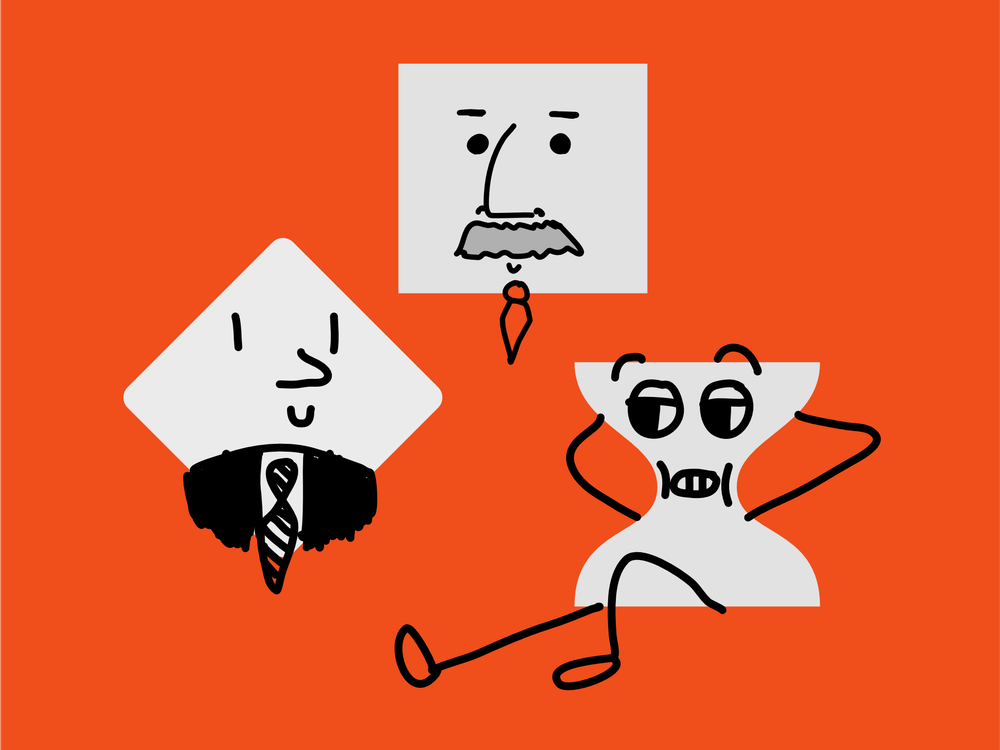

Which Ae Keyframe Are You?
Find out which of the 4 After Effects keyframe types you are!
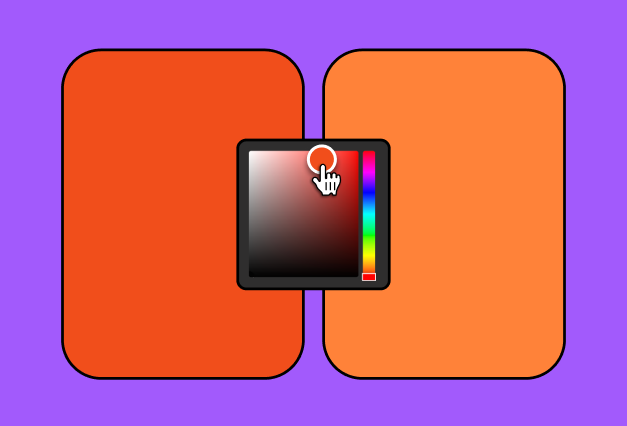
🌈 ColorMatch Daily
Match the left and right colors. Come back daily to keep your streak!
Oh No My Photoshop Filters!
Put the Photoshop filters menu back in order
Oh No My Ae Effects!
Put the After Effects effects menu back in order
Oh No My Blender Modifiers!
Put the Blender modifiers menu back in order
Oh No My Illustrator Effects!
Put the Illustrator effects menu back in order
'%3e%3crect%20y='0.547852'%20width='567.962'%20height='567.962'%20fill='white'/%3e%3crect%20x='-1.53625'%20y='0.489746'%20width='108'%20height='94.6667'%20fill='%23DF5A31'/%3e%3crect%20x='-1.53625'%20y='95.1565'%20width='108'%20height='94.6667'%20fill='%23F6C944'/%3e%3crect%20x='-1.53625'%20y='189.823'%20width='108'%20height='94.6667'%20fill='%23FFFF54'/%3e%3crect%20x='-1.53625'%20y='284.49'%20width='108'%20height='94.6667'%20fill='%234EA760'/%3e%3crect%20x='-1.53625'%20y='379.156'%20width='108'%20height='94.6667'%20fill='%235452F6'/%3e%3crect%20x='-1.53625'%20y='473.823'%20width='108'%20height='94.6667'%20fill='%23985EF3'/%3e%3cmask%20id='path-9-inside-1_41_166'%20fill='white'%3e%3cpath%20d='M-1.53625%200.489746H567.464V95.1564H-1.53625V0.489746Z'/%3e%3c/mask%3e%3cpath%20d='M567.464%2090.1564H-1.53625V100.156H567.464V90.1564Z'%20fill='black'%20mask='url(%23path-9-inside-1_41_166)'/%3e%3cmask%20id='path-11-inside-2_41_166'%20fill='white'%3e%3cpath%20d='M-1.53625%2095.1565H567.464V189.823H-1.53625V95.1565Z'/%3e%3c/mask%3e%3cpath%20d='M567.464%20184.823H-1.53625V194.823H567.464V184.823Z'%20fill='black'%20mask='url(%23path-11-inside-2_41_166)'/%3e%3cmask%20id='path-13-inside-3_41_166'%20fill='white'%3e%3cpath%20d='M-1.53625%20189.823H567.464V284.49H-1.53625V189.823Z'/%3e%3c/mask%3e%3cpath%20d='M567.464%20279.49H-1.53625V289.49H567.464V279.49Z'%20fill='black'%20mask='url(%23path-13-inside-3_41_166)'/%3e%3cmask%20id='path-15-inside-4_41_166'%20fill='white'%3e%3cpath%20d='M-1.53625%20284.49H567.464V379.156H-1.53625V284.49Z'/%3e%3c/mask%3e%3cpath%20d='M567.464%20374.156H-1.53625V384.156H567.464V374.156Z'%20fill='black'%20mask='url(%23path-15-inside-4_41_166)'/%3e%3cmask%20id='path-17-inside-5_41_166'%20fill='white'%3e%3cpath%20d='M-1.53625%20379.156H567.464V473.823H-1.53625V379.156Z'/%3e%3c/mask%3e%3cpath%20d='M567.464%20468.823H-1.53625V478.823H567.464V468.823Z'%20fill='black'%20mask='url(%23path-17-inside-5_41_166)'/%3e%3cmask%20id='path-19-inside-6_41_166'%20fill='white'%3e%3cpath%20d='M-1.53625%20473.823H567.464V568.49H-1.53625V473.823Z'/%3e%3c/mask%3e%3cpath%20d='M567.464%20563.49H-1.53625V573.49H567.464V563.49Z'%20fill='black'%20mask='url(%23path-19-inside-6_41_166)'/%3e%3cpath%20d='M105.705%20-0.50293V570.151'%20stroke='black'%20stroke-width='5'/%3e%3c/g%3e%3cdefs%3e%3cclipPath%20id='clip0_41_166'%3e%3crect%20y='0.489746'%20width='567.962'%20height='568.021'%20fill='white'/%3e%3c/clipPath%3e%3c/defs%3e%3c/svg%3e)
Tierlists
Rank things related to design, animation and video production
Wait a second...
15 After Effects tools I am all about right now
These are my favorite and most used scripts at the moment!
FreqReact
By Davey
I love using FreqReact to make elements react to audio. It's a super intuitive way to translate audio frequencies into motion of all kinds.
Anubis
By Battle Axe
Simply the fastest way to render. One button exports, I never open the Render Queue anymore.
Mouse Pack
By AE Screens
Wow what a great tool for product demos, screenshots and tutorials.It lets you quickly add a mouse cursor to your comp and change it over time.Mouse clicks included!
FX Console
By Andrew Kramer
Who doesn't love FX Console? It's the Apple Spotlight Search for After Effects. It's super fast to open and search for effects. Let's take this moment to pray for the return of Andrew Kramer to the After Effects community 🙏.
Ease Copy
By Mike Overbeck
I use Ease Copy to quickly steal easing from one set of keyframes to another. It’s a huge time saver when trying to match the timing and easing of different animations. Highly recommended!
MoBar
By MotionApe
A nice tool to save screen-space by creating links to scripts, extensions and other panels in After Effects.
Type Array
By Slemmer Creative
I use TypeArray to quickly animate words or letters without having to break the text layers into multiple parts. It does the job great and saves me a lot of time.
Overlord 2
By Battle Axe
I use Overlord all the time to move graphics between Figma and After Effects. It’s one of the most popular tools out there, so if you haven’t heard of it yet this is your time.
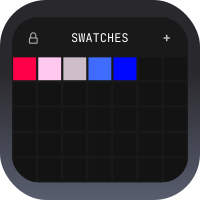
Swatches
By Me!
I use (and made) Swatches to manage colors in my projects. It's like an infinite canvas to store and organize colors. When working with other designers I can quickly share color palettes with them, or create new palettes based on their designs. It's a huge time saver and helps me keep my projects organized.
Skew Pro
By Me!
I use Skew Pro very often in combination with Kangaroo to create satisfying staggered animations. It makes offsetting keyframes super easy and fast, and saves me a lot of time when creating staggered animations.
Railway
By Me!
If you have ever seen an infographic where an airplane is traveling along a path to its destination, or a GPS signal is traveling down the road, this is the perfect tool for those kinds of things. It lets you attach a layer to a path and animate it along it.
Kangaroo
By Me!
I use Kangaroo to quickly create rows, columns or grids of items.It is very much like “duplicate with transforms” from figma or illustrator, but instead of just transforms it works with anything.It’s really fun and easy to use!
Noodle
By Me!
I use it all the time to make things move in response to existing keyframes. It’s a super quick way to add life to your animation!
Colors
By Me!
I use Colors all the time to create, reuse and apply colors in a project, so I don’t have to eyeball the brand guidelines or constantly search and color pick colors from other parts of the comp. It really helps creating consistency across a project.
Wiggle
By Me!
Wiggle saves me from writing the wiggle expression over and over again, and it can even create a looping wiggle for you (handy for creating perfect loops for social media!). It displays a live preview of what your end result will look like so you don't have to guess those expression values 20 times to get it right.