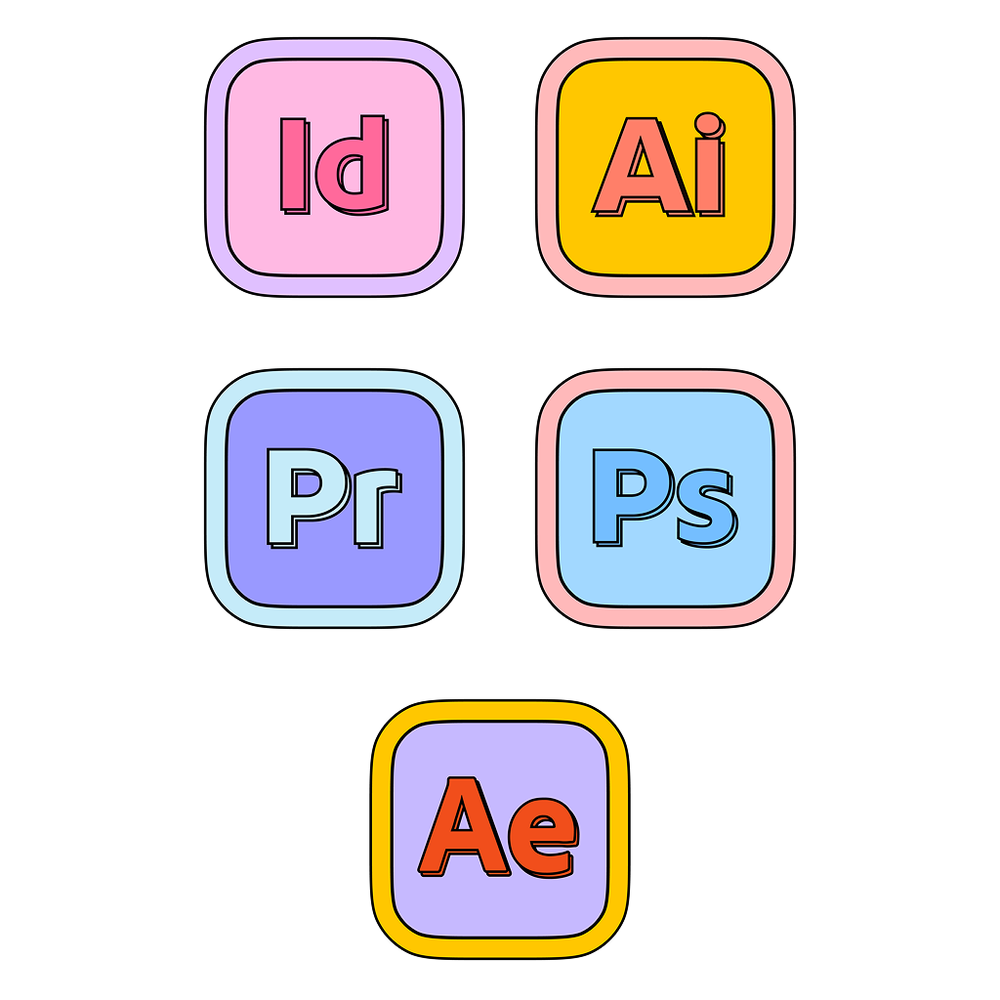
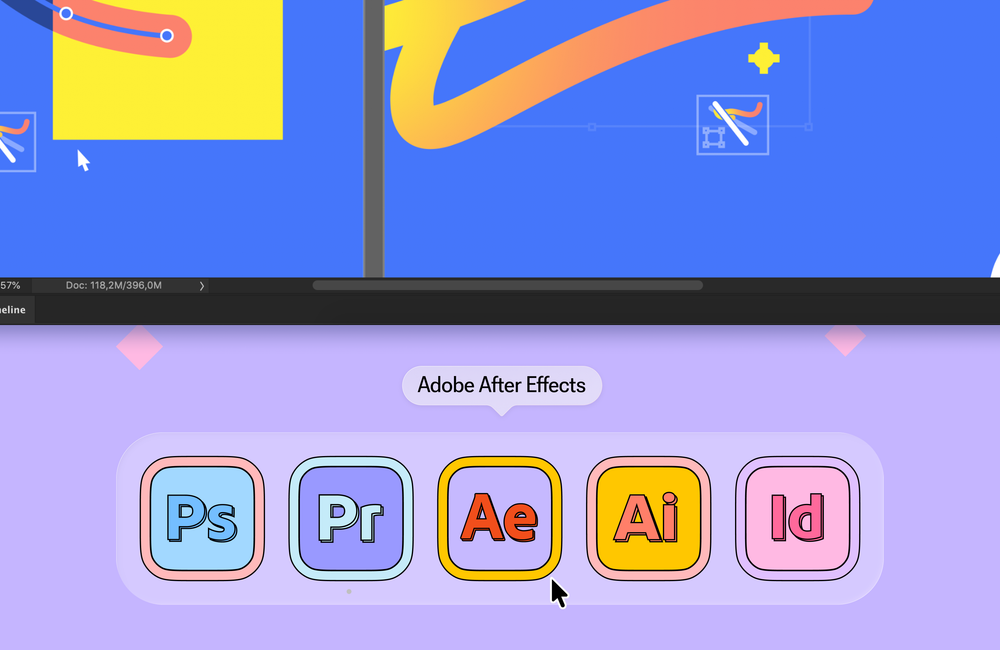
- Go to your desktop
- From the Menu Bar at the top of the screen,
choose Go > Applications - Find the Application you want to apply the new icon to.
- Right-click the app and choose "Get Info", this will open a popup with the information about the app.
- Drag and drop your new icon onto the old icon that appears at the top left corner of the info popup. MacOS may ask you for your password in order to change the icon of the app.
- If your app is pinned to your dock or was running during the change, you will have to quit and reopen it in order for the changes to take effect.
- Done!
📁
Sometimes the application can appear as a folder, if so, open the folder and find the .app file itself, for example: /Applications/Adobe After Effects 2026/Adobe After Effects 2026.app